

Webinar Streaming
Webinar Streaming With NEXA
Use your favorite tools to produce stunning webinars, broadcasts and other video content via NEXA.
Most of our customers use a third-party streaming or broadcasting solution such as Microsoft Teams (with streaming), professional broadcast software like vMix or other webcast tools and simply stream through NEXA.
NEXA becomes the structured, branded event layer that brings everything together.
Full data protection
Webinar Platform
Why the Correct Webinar Platform Matters
Many webinar platforms force you into a fixed ecosystem. NEXA does the opposite. By allowing your organization to keep using familiar streaming tools, you get the best of both worlds:
- Keep your existing production workflow
- Use professional broadcast tools when needed
- Maintain full brand control in NEXA
- Create a seamless and engaging participant journey
- Scale from simple webinars to high-end broadcasts
Get valuable insights across events, participant tracking and much more. This makes NEXA suitable for both marketingteams and high-end production setups
Flexibility
A Flexible Webinar Architecture
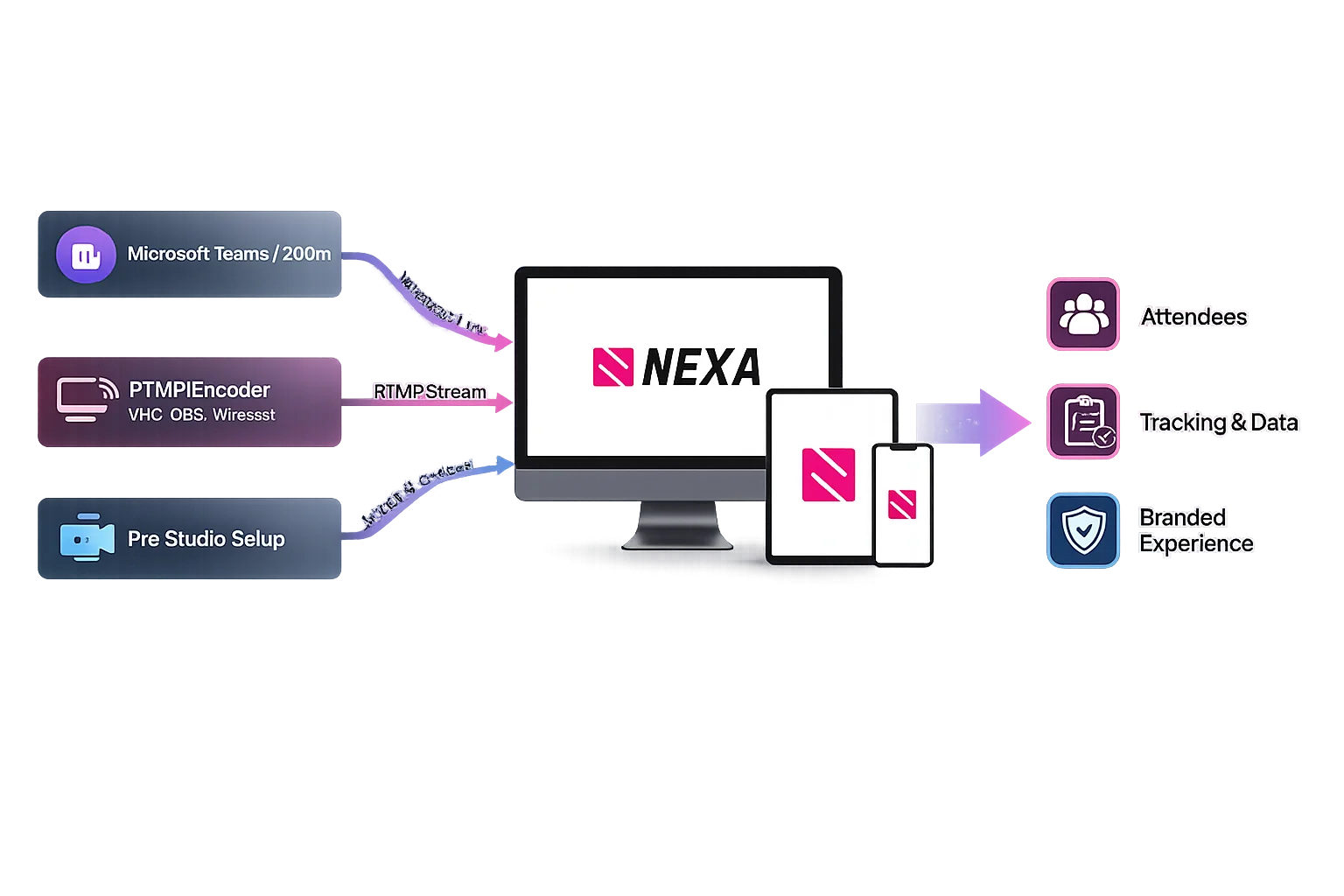
With NEXA, you are never locked into one specific webinar tool. Typically, the setup works like this:
- Set up your event, landing page, communication etc. in NEXA
- Your team produces the webinar in your favorite software tool
- The live stream is connected to NEXA
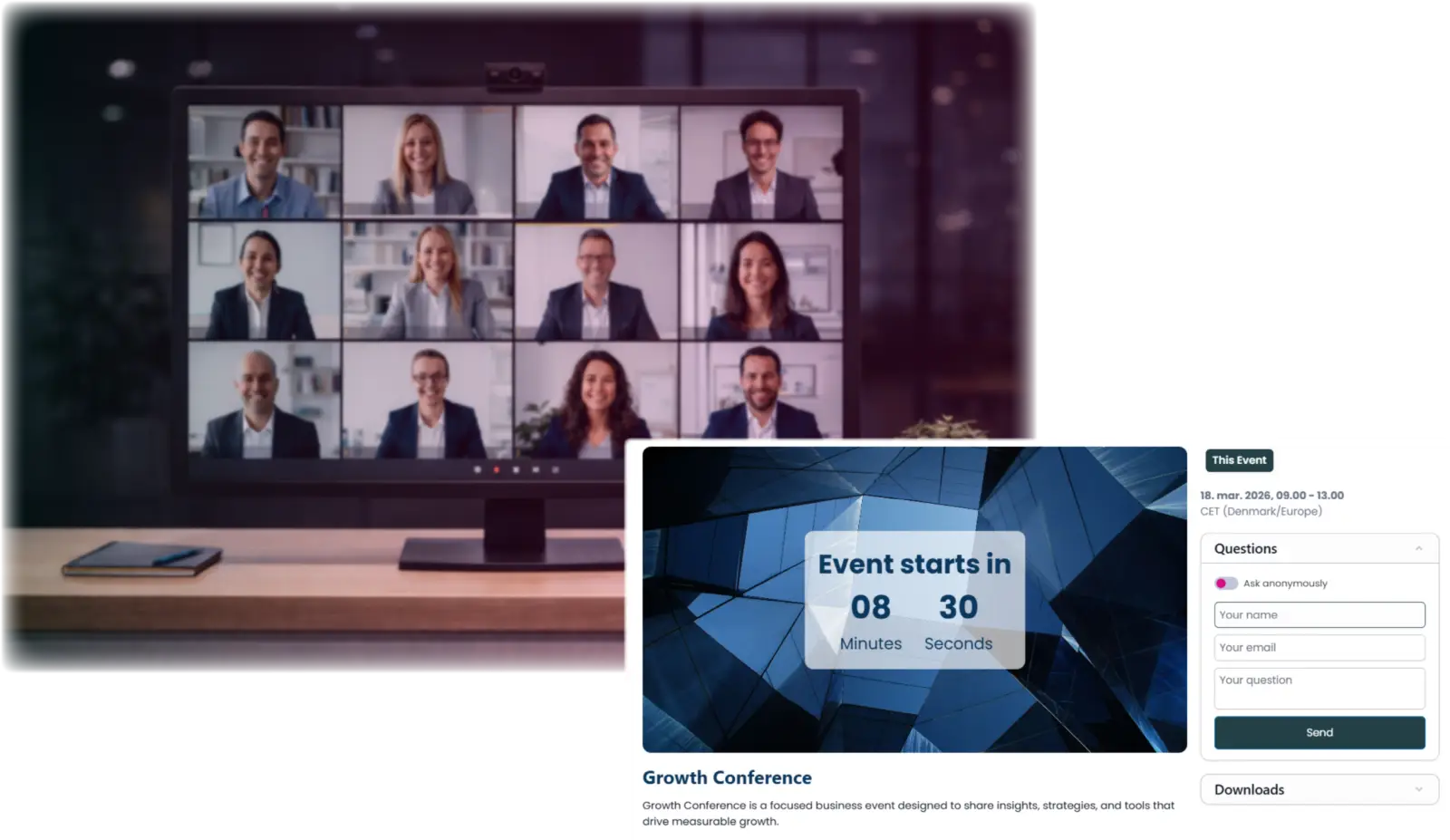
- NEXA delivers the full branded event experience and engagement tools
- Participants access everything through one unified environment
- Extend your event lifetime and engagement with on demand features and asset library
Webinar Setup
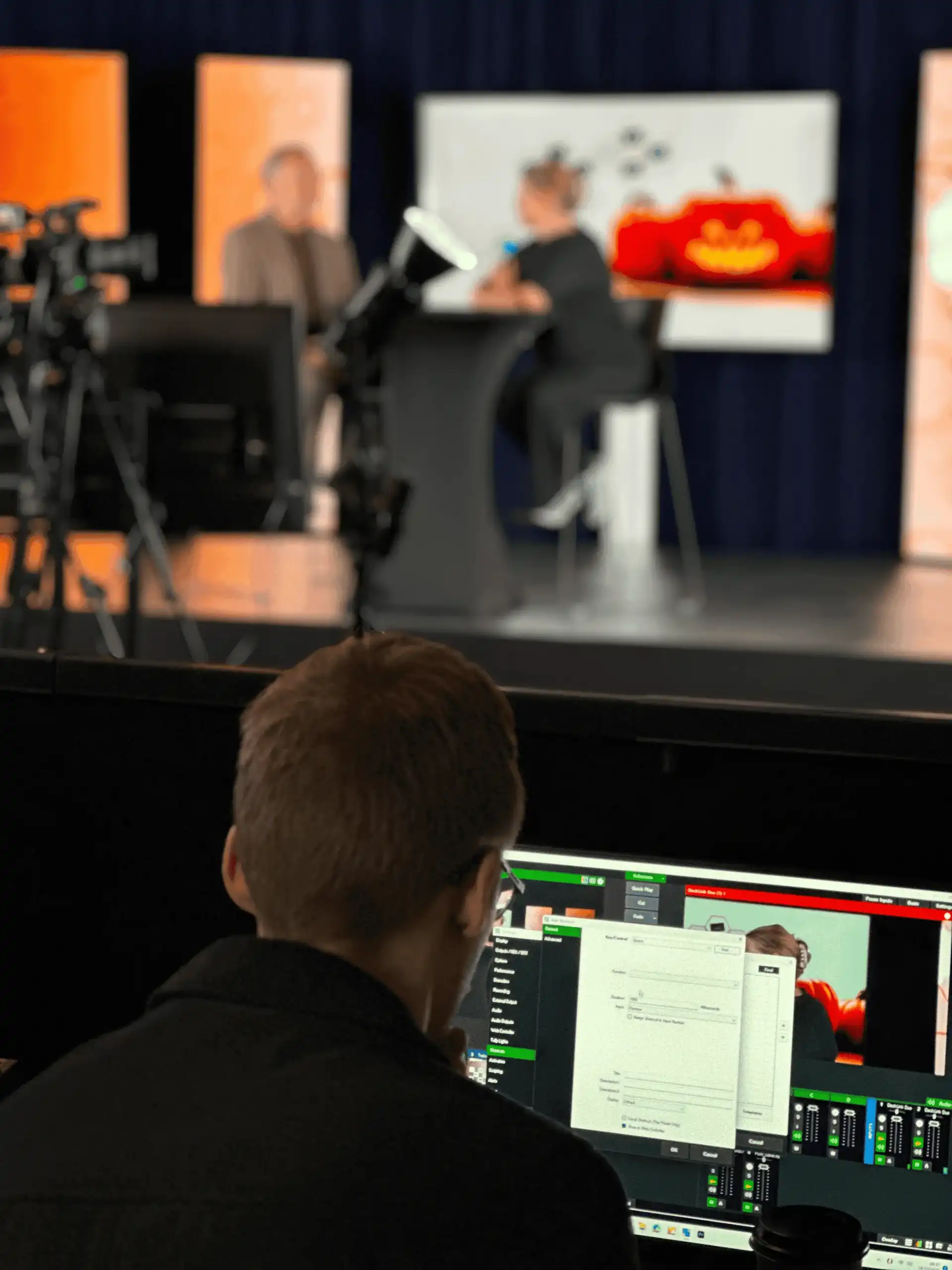
From Simple Teams Webinar to Full Broadcast Production
Whether your setup is simple or advanced , NEXA adapts.
Common customer scenarios include:
- Webinar streamed via NEXA with your favorite tool
- Pro (eg. vMix or Medialooks etc) productions delivered via NEXA stream keys and mountpoints worldwide
- Teams webinar streamed into NEXA
- vMix or Medialooks productions delivered via RTMP
- Participants access everything through one unified environment
- Studio productions streamed via NEXA
- Hybrid events with professional AV production
- Create channels in NEXA for your clear overview and communication flow
Adaptive
Built for Real-World Event Teams
Because every organization is different, NEXA is designed to be configuration driven. The exact technical setup will depend on:
- Your preferred streaming tool
- Your production level
- Your event format (live, hybrid, on demand)
- vMix or Medialooks productions delivered via RTMP
- Participants access everything through one unified environment
- Studio productions streamed via NEXA
But the goal is always the same:
Your streaming tools + NEXA’s event engine = a complete webinar experience
Nexa Universe
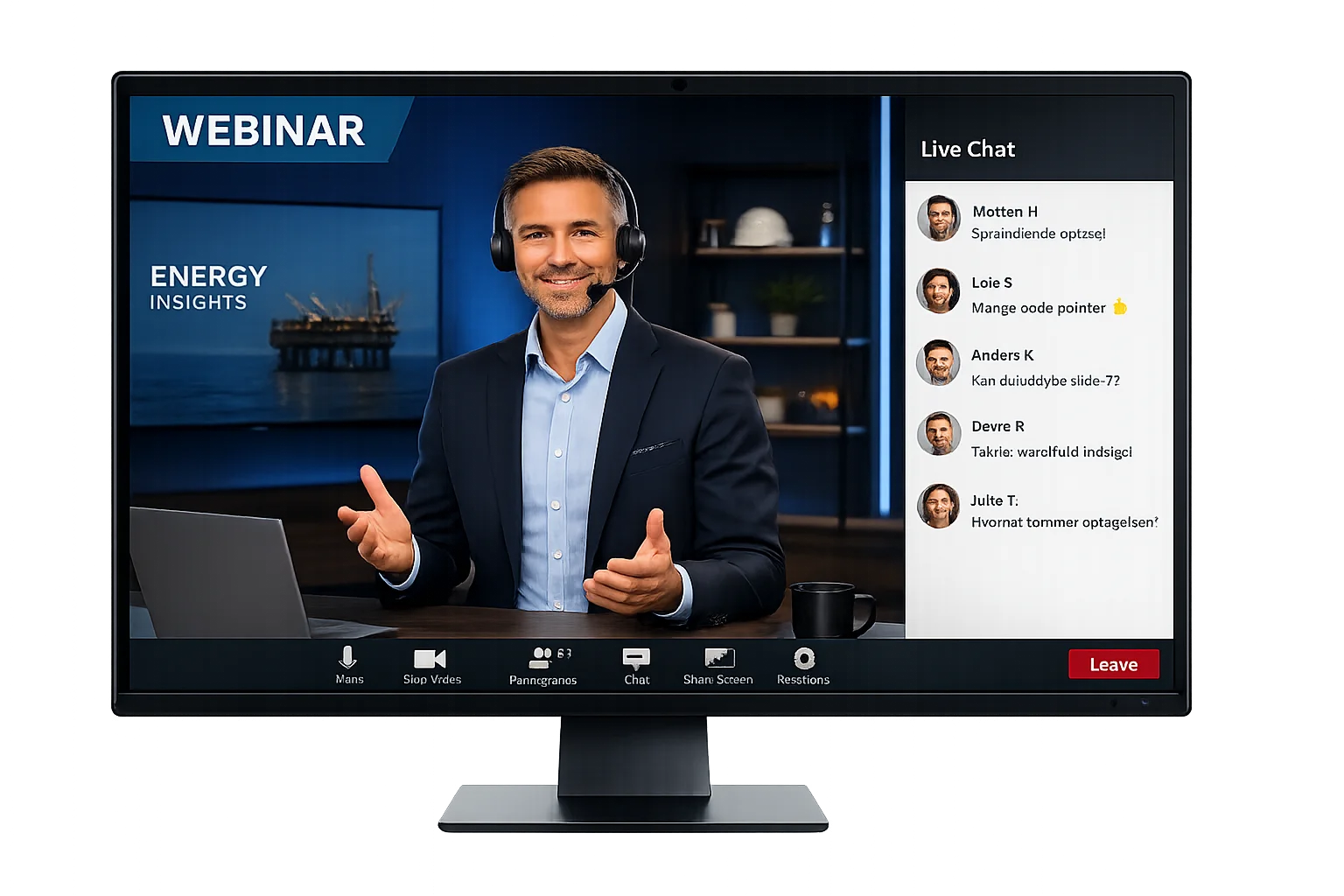
One Branded Experience for Your Audience
Your participants stay inside your branded NEXA universe. That means:
- One registration flow
- One communication stream
- One access point
- One data overview
- One world for extending your event lifetime with engagement tools pre, live and post event
No confusion. No scattered links. No fragmented experience. Just professional webinar delivery.
FAQ about Webinar's
What is the NEXA streaming setup?

NEXA acts as the structured event layer around your webinar or broadcast. You run the live production in your preferred streaming software while NEXA manages registration, branding, communication, and participant access.
Do I have to use a specific webinar or streaming tool?
No. NEXA is tool-agnostic. You can use platforms such as Microsoft Teams, professional broadcast software like vMix, or other streaming solutions and connect them to NEXA.
How does streaming work with NEXA?
Typically, you create the event and registration flow in NEXA, produce the broadcast in your streaming software, and then connect the live stream to NEXA. Participants access the event through one branded environment.
Can NEXA support professional broadcast productions?
Yes. NEXA supports both simple webinar setups and advanced broadcast productions using professional streaming tools and RTMP streaming. This allows teams to scale from small internal webinars to large productions.
Will participants need to access multiple platforms?
No. Participants access the event through one unified NEXA interface with registration, communication, and streaming in the same place.
Can events be available on demand after the livestream?
Yes. NEXA allows you to extend the lifetime of your event by offering recordings, assets, and additional engagement features after the live broadcast.